

Included with Sidekey+There.
There.
Got it.
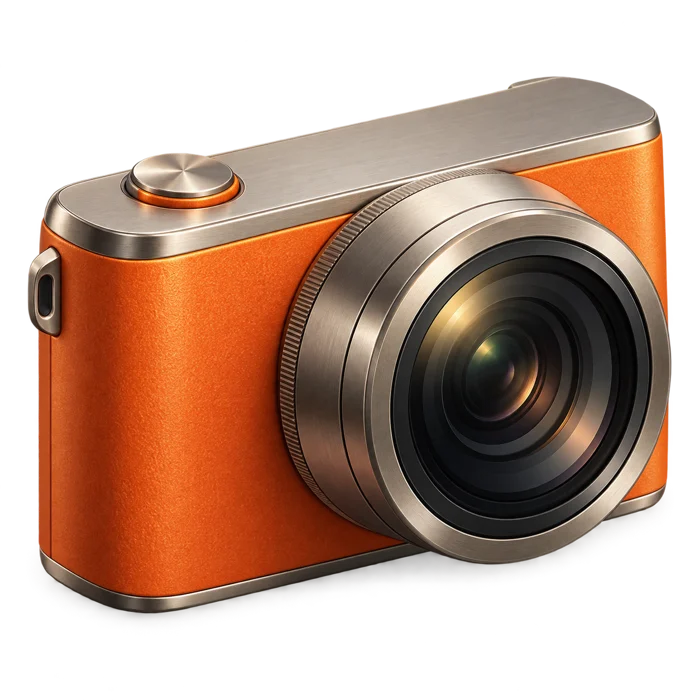
Open Pocket camera, take a photo or video, and save or share the captures you choose. Keep your next moment close.
 Sidekey
Add notes, camera, timers and your own shortcuts to a custom menu with Sidekey.
Open Pocket camera, take a photo or video, and save or share the captures you choose. Keep your next moment close.

The idea on your walk. The name of that little café. Write it down, edit it later, and share it when you’re ready.

Save your parking spot and a note about the floor or space. When it’s time to go, get walking directions back through Apple Maps.
And a few more things
you’ll reach for.
Keep a different set of actions for Everyday, Work and Unwind. Switch profiles whenever you want a change of pace.
Three profiles included. Create your own with Sidekey+.
A few useful things, always close.
Add your favorite actions in Sidekey. Rename, recolor and arrange them your way.
In iPhone Settings, open Action Button → Shortcut. Choose Sidekey’s Open Launcher.
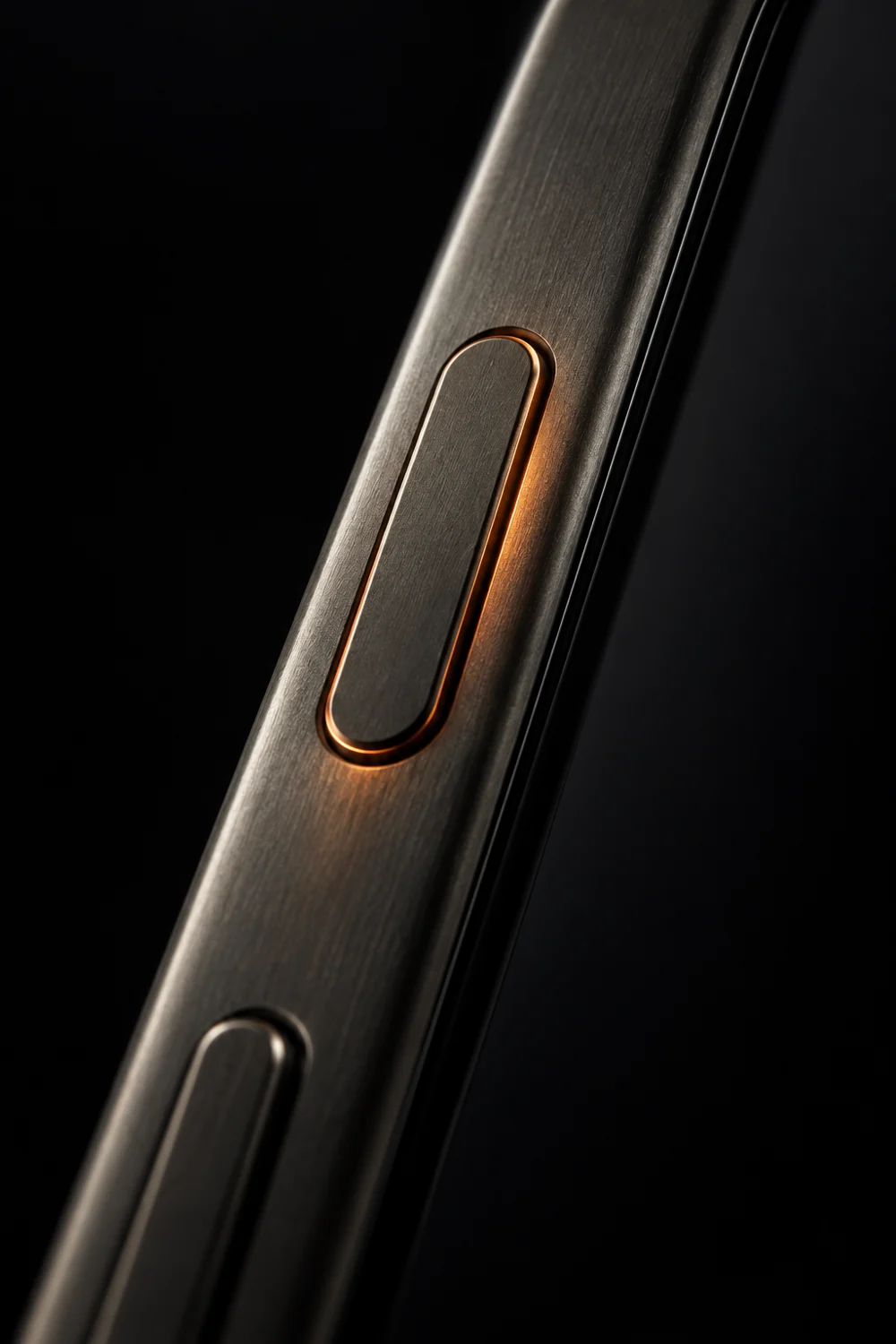
Press and hold your Action Button. Your menu opens. Tap a tool and you’re there.
Requires iOS 18.6 or later. No Action Button? Set up Siri, Back Tap or a Shortcuts widget instead.
Yes. Assign Sidekey’s Open Launcher to your iPhone Action Button and press and hold to open your menu. From there, choose a tool or Apple shortcut. Arrange your favorite actions into profiles for work, everyday tasks or downtime.
Your launcher, three built-in profiles, quick notes, focus timer, breathing, flashlight, clipboard, website and Maps actions, and shortcut recipes. Sidekey+ adds capture tools, parking, QR codes, big messages and custom profiles.
Yes. Open the launcher inside Sidekey, or connect it to Siri, Back Tap, a Home Screen shortcut or Apple’s Shortcuts widget. A physical Action Button requires a compatible iPhone.
Yes. Create a shortcut in Apple Shortcuts, then connect it to an action in Sidekey. Use your own shortcuts for apps, playlists, Focus modes, reminders and more. Sidekey includes recipes to help you set them up.
No Sidekey account is required. Your profiles and notes are saved locally on your iPhone. Some tools need permissions or other services, such as Apple Maps. See the privacy policy for the full details.
No. Sidekey uses Apple’s supported Shortcuts connection to open its launcher when you press and hold the Action Button. You assign it in Settings. Your iPhone may ask you to unlock first.